Install
The shortest route from a sales task to a checked result
Use this reference to copy the required command, understand each runtime state, and verify the first email-finding result before connecting any downstream workflow.
Install
Use this reference to copy the required command, understand each runtime state, and verify the first email-finding result before connecting any downstream workflow.
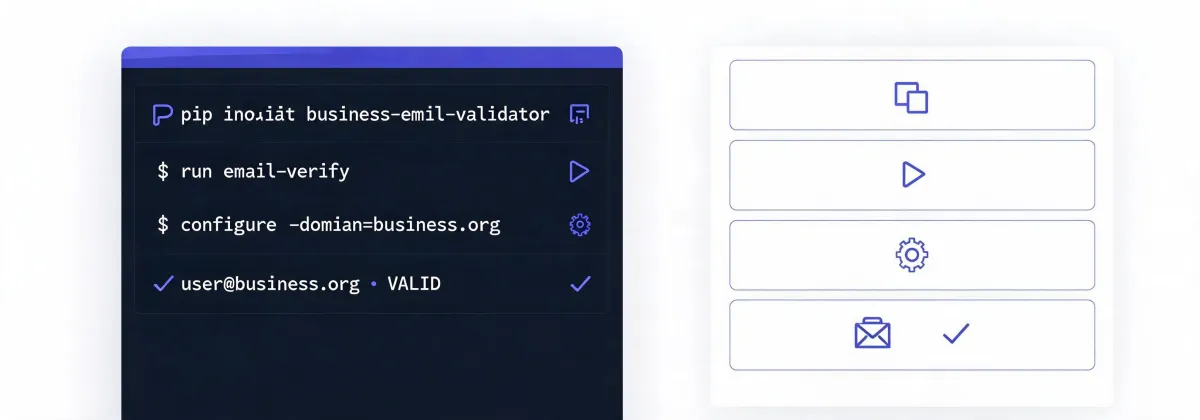
| State | Operator action | Success signal | Do not assume |
|---|---|---|---|
| Copy | npx -y @okki-global/okki-go-taroball | The exact command is present in the clipboard. | Copying does not execute or install a package. |
| Run | Review package identity and execute it in the terminal associated with the intended agent runtime. | The runtime reports completion without an unresolved package or permission error. | A successful process does not prove that every connector is configured. |
| Configure | Place provider keys in the runtime secret manager, grant only required scopes, and select an approved output. | A small diagnostic task can reach the chosen source without exposing a key in prompts or logs. | Connectivity does not establish data freshness, lawful use, or deliverability. |
| First result | Ask for one known company and role, then inspect candidates, provenance, checked time, and uncertainty. | The result distinguishes found, inferred, verified, rejected, catch-all, and unknown states. | A verification label never guarantees inbox placement or recipient relevance. |
A practical acceptance test uses a labeled sample containing valid, invalid, catch-all, and deliberately ambiguous addresses. Record the configuration and test date, then measure outcomes in your own environment. Do not infer database coverage, refresh cadence, match rate, bounce rate, or inbox placement from a single successful lookup.
Copy the installer, review what it will run, configure least privilege, and inspect the first result before expanding the workflow.
npx -y @okki-global/okki-go-taroball