Runtime
Confirm Node.js and npx behavior, agent support, package policy, version handling, network access, subprocesses, files, update path, and uninstall path. Use a sandbox for the first run when your organization requires package review.
Installation reference
No sales form is required. Review the package and data path, then use the exact command to install the skill in your chosen AI agent environment.
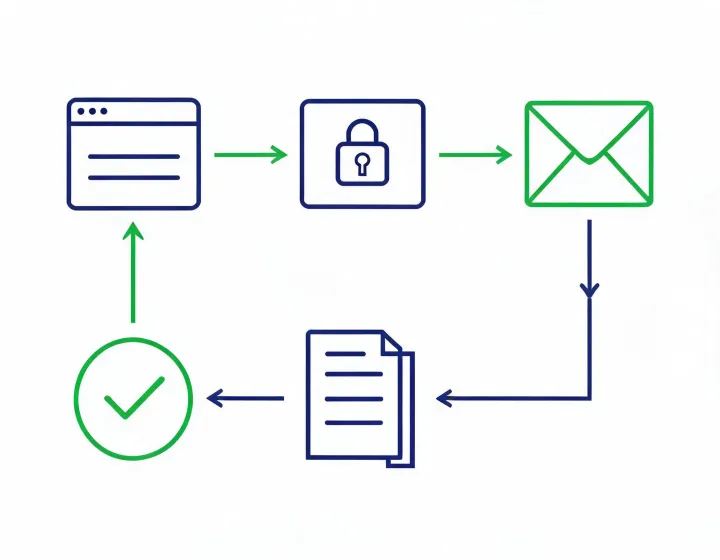
Confirm Node.js and npx behavior, agent support, package policy, version handling, network access, subprocesses, files, update path, and uninstall path. Use a sandbox for the first run when your organization requires package review.
Keep provider keys in the runtime secret manager, outside prompts and source files. Grant narrow scopes and document logging, rotation, revocation, incident ownership, and which operators can change connector settings.
Use a small authorized labeled set with known valid, invalid, catch-all, role-account, and uncertain cases. Do not begin with a production list or connect an automatic sending step.
Define acceptance criteria before the test. Record whether each address was found or inferred, the source behind each consequential field, retrieval time, syntax and domain observations, MX state, provider response, and the reason a person approved, rejected, or deferred the record. Deliberately difficult examples reveal whether the workflow preserves unknown states instead of hiding them.
Technical verification is only one part of an outbound decision. ICP fit, role relevance, suppression, regional requirements, opt-out, sender identity, SPF, DKIM, DMARC, sending volume, and content affect the next action. Compare technical classifications with observed outcomes only after an authorized send, and do not infer permanent accuracy from one sample.
Removal also requires more than uninstalling the package. Revoke credentials separately, then map results retained in agent logs, local files, CRM, engagement tools, or provider systems. Exercise correction, suppression, access, and deletion procedures before production deployment.
The button copies text only. Review the command before you decide to execute it.
npx -y @okki-global/okki-go-taroball